Digitise the process. Capture the proof.
Replace paper checklists, ad hoc forms, and scattered evidence with configurable digital workflows. OneReg captures every step, approval, and piece of evidence as it happens, so you always know a procedure was followed — and can prove it.
.webp)
Paper checklists, ad hoc email approvals, and photos saved to an individual's device all share the same problem: there's no reliable way to prove a process was actually followed, or to find the evidence again when it matters. Many aviation organisations still run day-to-day procedures this way, which makes consistency hard to enforce and evidence easy to lose. OneReg replaces that patchwork with configurable digital workflows that guide staff through every step, capture evidence as it happens, and store it centrally, so procedures are followed the same way every time, and proof is never more than a search away.
The digitalisation challenges OneReg solves

Manual processes prone to missed steps
Paper checklists and ad hoc forms rely on individual discipline to get every step right. Digital workflows guide staff through the process in order, so nothing gets skipped.

Evidence that's scattered or lost
Photos on individual phones, paper forms in a filing cabinet, approvals buried in email: evidence captured this way is hard to find when you need it. OneReg captures and stores it centrally as the process happens.

No visibility into whether procedures are followed
Without a digital record, you only find out a step was missed after something goes wrong. Real-time completion tracking shows you what's been done, what's overdue, and where to follow up.
.webp)
Everything your processes need, in one place
Configurable Digital Forms & Checklists
Build forms and checklists for inspections, approvals, and procedures without writing code, aligned to how your team actually works.
Guided Workflows
Route tasks and approvals through defined steps automatically, so multi-step procedures happen in the right order, every time, by the right person.
Evidence Capture
Capture photos, documents, and notes at the point of activity, attached directly to the relevant form, task, or record.
Mobile Data Capture
Complete forms and capture evidence from a mobile device, on or off the airfield.
Automated Alerts & Escalations
Flag overdue tasks or missing steps and escalate them to the right person automatically, so nothing quietly falls through the cracks.
Audit-Ready Records
Every workflow, form, and piece of evidence is timestamped and stored centrally, so you can respond to an audit or regulatory request in minutes, not days.
Integrated with the Rest of Your Operation
Digital workflows and evidence connect directly to your SMS, wildlife hazard records, training data, and document management — one platform, one source of truth.
Capture it once.
See it instantly.
- Replace paper checklists and ad hoc forms with consistent, guided digital processes
- Capture evidence at the point of activity instead of chasing it down after the fact
- See in real time what's been completed, what's overdue, and where to follow up
- Walk into any audit with complete, timestamped records of every process and its evidence
- Roll out new or updated procedures across your whole team without a system overhaul

Hear it straight from the hangar
“Before OneReg, our compliance and safety reporting lived in multiple systems and spreadsheets. It was time-consuming, fragmented and difficult to trace. What used to take days now takes minutes.”
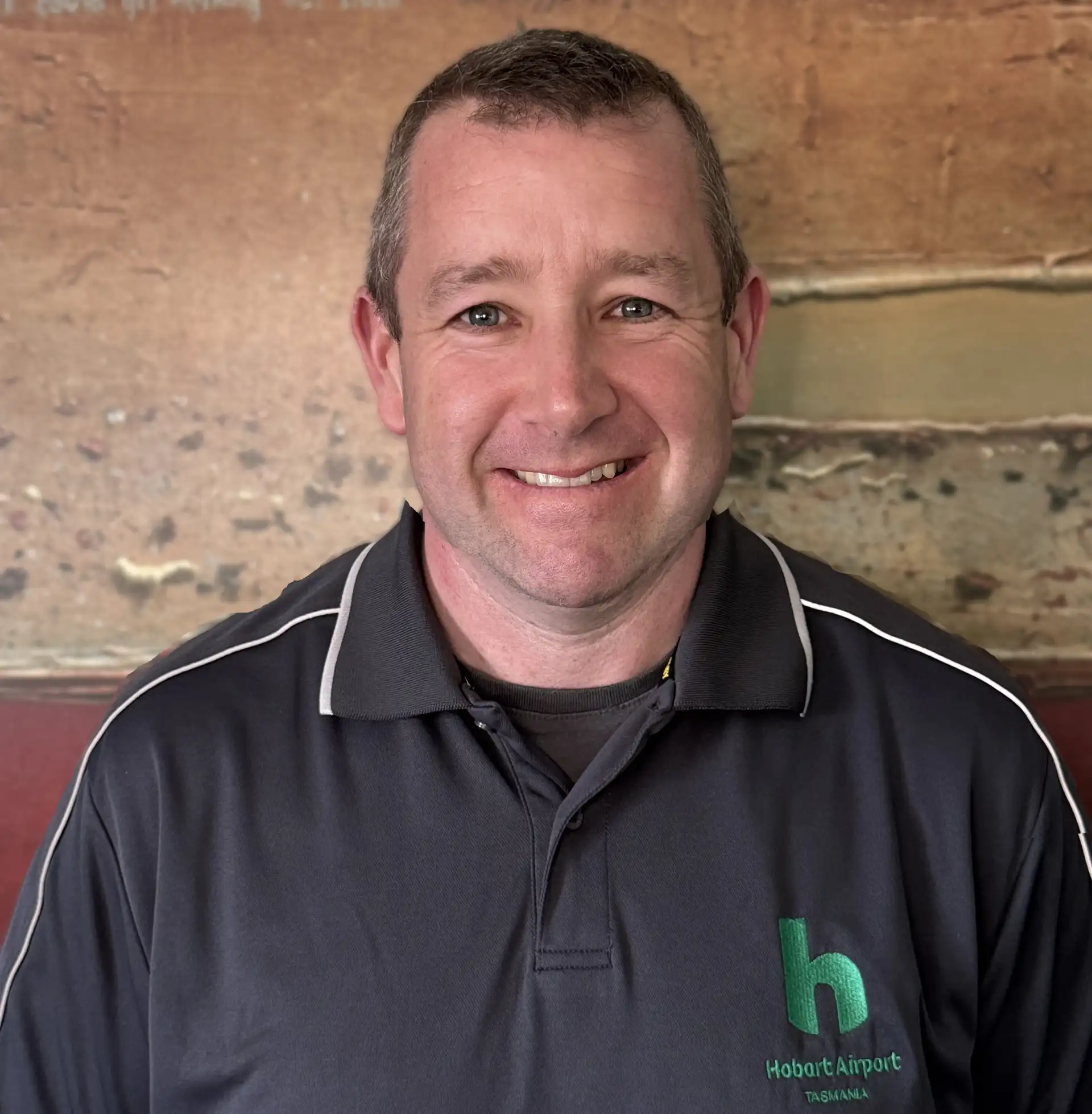
Sam Merlo
Operations Compliance Coordinator
"By digitising what was once a paper-heavy process, we can complete compliance requirements in a fraction of the time. It’s a major step forward, giving thousands of our people the ability to manage compliance and operational documentation with far greater speed, safety, and efficiency.

Andrew Hewitt
General Manager Engineering
"OneReg has transformed our operational efficiency and compliance management. The user-friendly interface and proactive support from the OneReg team have been invaluable. We can now manage our data more effectively and ensure ongoing compliance with ease."

Chris Fox
Manager Safety & Quality Assurance
"Operational efficiency has been greatly enhanced - automation and integration of processes have reduced operational drag, allowing staff to focus on critical tasks. The system’s user-friendly interface has made it easier for staff to manage compliance activities efficiently."

Kim Gard
Operations Manager


Frequently asked questions
It means replacing paper checklists, ad hoc forms, and manual evidence gathering with structured digital processes that guide staff through each step and capture proof as they go. OneReg supports this with configurable forms, guided workflows, and evidence capture built directly into the process, rather than treated as a separate task.
Your existing checklist or procedure is rebuilt as a configurable digital form or workflow within OneReg, no coding required. The steps, sign-offs, and evidence requirements match how your team already works.
Yes. Evidence such as photos, documents, location data and notes can be attached directly to the relevant form, task, or record at the point of activity, so it's tied to the process rather than stored separately.
Yes. Automated alerts and escalations flag overdue tasks or missing steps and route them to the right person, so gaps are caught early rather than discovered later.
No. Workflows and forms are built through no-code configuration, so your team can create or adjust processes to match how your organisation actually operates, without needing development resources.
Every piece of evidence is timestamped, attributed, and linked to the relevant workflow or record, so you can produce a complete, defensible history for an audit or regulatory request in minutes.
Yes. The same configurable forms and workflow engine can be applied wherever a manual process needs structure and an evidence trail, across operations, maintenance, compliance, or any other team.
Yes. The underlying capability works the same way for both — OneReg is configured to reflect the specific processes, forms, and evidence requirements of your organisation.
Digital workflows and evidence capture are the foundation those modules are built on, so a completed inspection, hazard report, or training record all flow through the same underlying forms and evidence system, with everything linked and centrally stored.
Invested in the future of aviation together